Choose your video
Add a link or MP4 and choose what you want to make.
A LITTLE AI. A LOT OF YOU.
Find the moments in long videos. Give short videos captions with character.
1 credit per source minute, rounded up
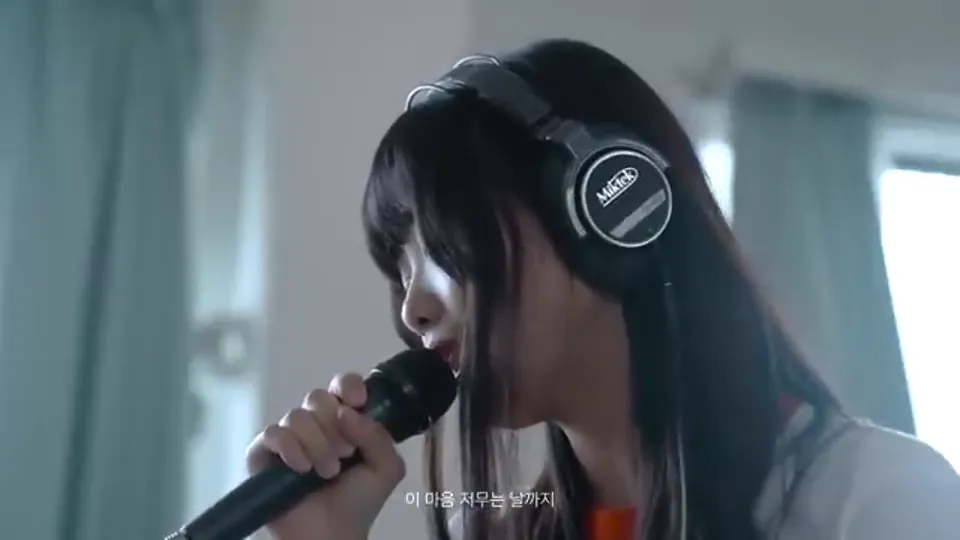
Sample footage · HANRORO
Add a link or MP4 and choose what you want to make.
Refine captions and titles, then apply your visual style.
Review your finished video and download an MP4.
Start free. Upgrade when you need more.
Video analysis uses 1 credit per input minute, rounded up. Your 30 free signup credits are a one-time allowance.
ClipIt video analysis uses 1 credit per minute of the selected input range, rounded up. Analyzing a 30-minute range uses 30 credits regardless of how many clips are found. New accounts receive 30 free credits once at signup. You can also buy credit packs without a subscription.
ClipIt provides 30 free credits once at signup, with watermark-free exports. Source files and generated clips are retained for 7 days from job creation. Purchased credit validity and video retention are separate policies.
ClipIt is designed for creators who want to repurpose content they own or have a valid license to use. You should only submit URLs or upload files for video content where you hold the copyright or have a license to create derivative works. Common legitimate use cases include: your own YouTube channel videos, your own Bilibili uploads, podcast recordings you produced yourself, and webinar or event footage your organization recorded. Processing third-party copyrighted content without explicit permission may violate copyright law in your jurisdiction as well as the terms of service of the source platform, and could result in account suspension. ClipIt does not review individual videos for rights status — that legal determination is entirely the submitter's responsibility. By using ClipIt to process any video, you confirm that you hold the necessary rights to create and distribute clips derived from it.
Yes. ClipIt's subtitle engine automatically detects the spoken language in your source video and generates accurate captions without manual configuration. Major world languages are supported, with particularly strong CJK (Chinese, Japanese, Korean) caption rendering — including correct character spacing, font sizing, and line breaks specifically optimized for the 9:16 vertical video format. Korean, English, and Chinese are the primary languages of the ClipIt platform itself, and subtitle generation for those languages has been most thoroughly validated. This means a Korean-language YouTube video automatically produces Korean subtitles, and a Chinese-language Bilibili video automatically produces Chinese subtitles — all without changing any settings before starting the processing job. For multilingual creators cross-posting to both YouTube and Bilibili, this eliminates the need for a separate transcription step entirely. If your primary language is not among the most common, processing will still attempt auto-detection and subtitle generation.
ClipIt offers a full refund on any subscription plan within 7 days of the initial purchase date, provided no credits have been consumed during that period. If you subscribed, did not process any videos, and changed your mind within the 7-day window, you are eligible for a complete refund of the plan fee with no deductions. Refunds are processed back to the original payment method and typically appear within 5–10 business days, depending on your card issuer or bank. One-time credit packs are non-refundable once purchased, because the credits are credited to your account and made available for use immediately upon payment. If you experienced a verified technical issue on ClipIt's side that prevented you from using credits you were charged for, please contact support with details of the issue and we will review it on a case-by-case basis. Full refund terms are documented on the Refund Policy page.
Yes. ClipIt accepts Bilibili video URLs using exactly the same workflow as YouTube — paste the Bilibili URL, click Generate, and the AI handles the full process: download, analysis, highlight detection, vertical 9:16 cropping, and subtitle generation, all automatically without any extra steps on your side. No browser extension, account login to Bilibili, or third-party downloader is required. This makes ClipIt one of the only AI shorts generators with native Bilibili URL support; most competing tools such as OpusClip, Klap, and 2short.ai are currently limited to YouTube URLs only. For creators who post content to both platforms — which is very common among Chinese-language content creators and globally distributed channels — ClipIt provides a single unified repurposing workflow. Bilibili-sourced clips receive the same AI highlight detection, 9:16 auto-crop, and burned-in caption quality as YouTube-sourced clips.
No. ClipIt does not add watermarks to any clips on any plan, including the free tier. Every exported short is clean 1080p MP4 output with no ClipIt branding overlaid on the video. The only visual elements on the clip are the content you chose — the cropped video footage, the burned-in captions, and any brand template elements you configured yourself, such as your own channel logo, custom caption colors, or a style preset. This is a deliberate product decision: watermarked output requires additional editing before it can be published, and ClipIt's core goal is to produce shorts you can upload directly to YouTube Shorts, Instagram Reels, or TikTok without any post-processing step. Free-plan output quality is identical to paid-plan output quality; the only difference between plans is monthly credit volume and processing queue priority, not the quality or cleanliness of the exported clip.